
Most businesses are using AI as a smarter search box. The real gains come when AI can actually do things in your tools — raise an invoice, pull a report, onboard a staff member — without anyone clicking through five systems to make it happen. That capability has a name: the Model Context Protocol, or MCP.
What is an MCP?
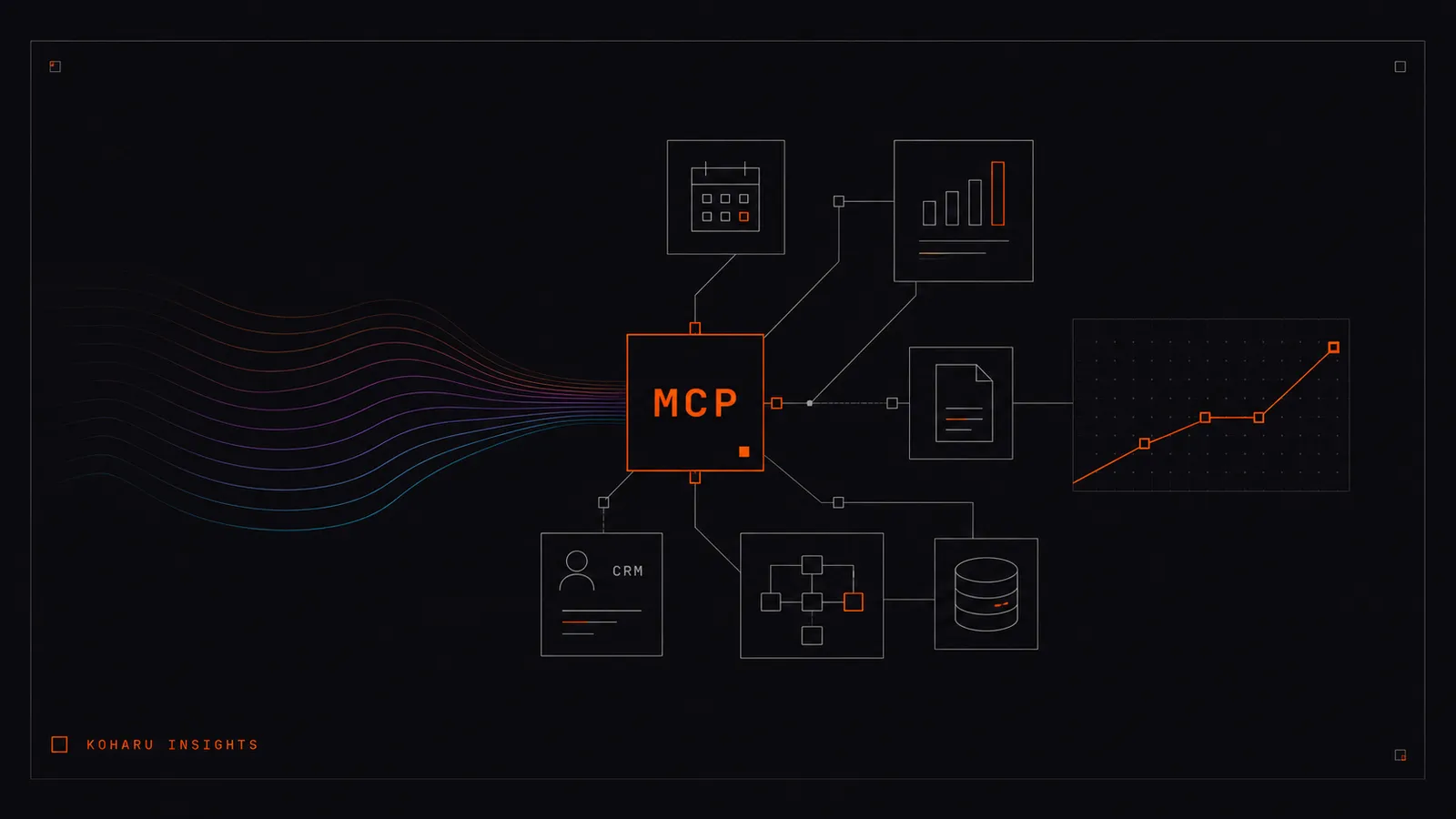
Introduced by Anthropic in late 2024, MCP has become the common language for connecting AI to external systems. Instead of building a one-off integration for every tool, an MCP exposes a tool's functions in a way any compatible AI can use. Think of it as a universal adapter: build it once, and your AI can use that system reliably and securely.
The practical difference is simple. Without an MCP, AI gives you an answer you then act on manually. With an MCP, AI completes the action — and tells you it's done.
What can an MCP actually do for a business?
Here are concrete tasks an MCP can handle today, all from a chat interface:
- Raise and send invoices in your accounting system without opening it.
- Onboard a new team member across email, calendar, and shared drives in one step.
- Pull this month's performance data from analytics and summarise what changed.
- Find a customer record, check their status, and update it — without leaving the conversation.
None of this is futuristic. The tools already expose these functions through their APIs. The MCP simply makes them available to your AI in a controlled, permissioned way.
Case study: a custom MCP for Boydell's
We built a custom MCP for Boydell's to remove the friction in their day-to-day operations. Tasks that previously meant logging into separate systems and repeating manual steps now run through a single AI interface — the team describes what they need, and the MCP carries it out against their real tools.
The point of the build wasn't novelty. It was time. Every repetitive operational task routed through the MCP is time the team gets back for work that actually needs a human. That's the pattern we look for in every engagement: high-frequency, low-judgement tasks that quietly drain hours.
How Koharu finds the bottlenecks worth automating
Not every task should be automated, and not every tool needs an MCP. The work is knowing which ones do. Our process is deliberately practical:
- Audit: we map your team's recurring tasks and the systems behind them to find where time actually goes.
- Prioritise: we rank opportunities by hours saved, frequency, and risk, so the first build pays for itself quickly.
- Build: we develop the custom MCP or AI workflow against your real tools, with the right permissions and guardrails.
- Embed: we make sure the team adopts it — a tool that saves an hour a day only counts if people actually use it.
This sits alongside our broader AI & operations consulting, and connects directly to the strategy work we do for growth-stage brands. Efficiency isn't the end goal — the time it frees up is.
Is a custom MCP right for your business?
If your team regularly switches between systems to complete routine tasks, you have bottlenecks worth examining. The businesses that benefit most are the ones doing the same operational work over and over — invoicing, onboarding, reporting, record-keeping — where small per-task savings compound into real weekly hours.
Start by listing the five tasks your team does most often that involve clicking through software. That list is usually where the first MCP build should focus.